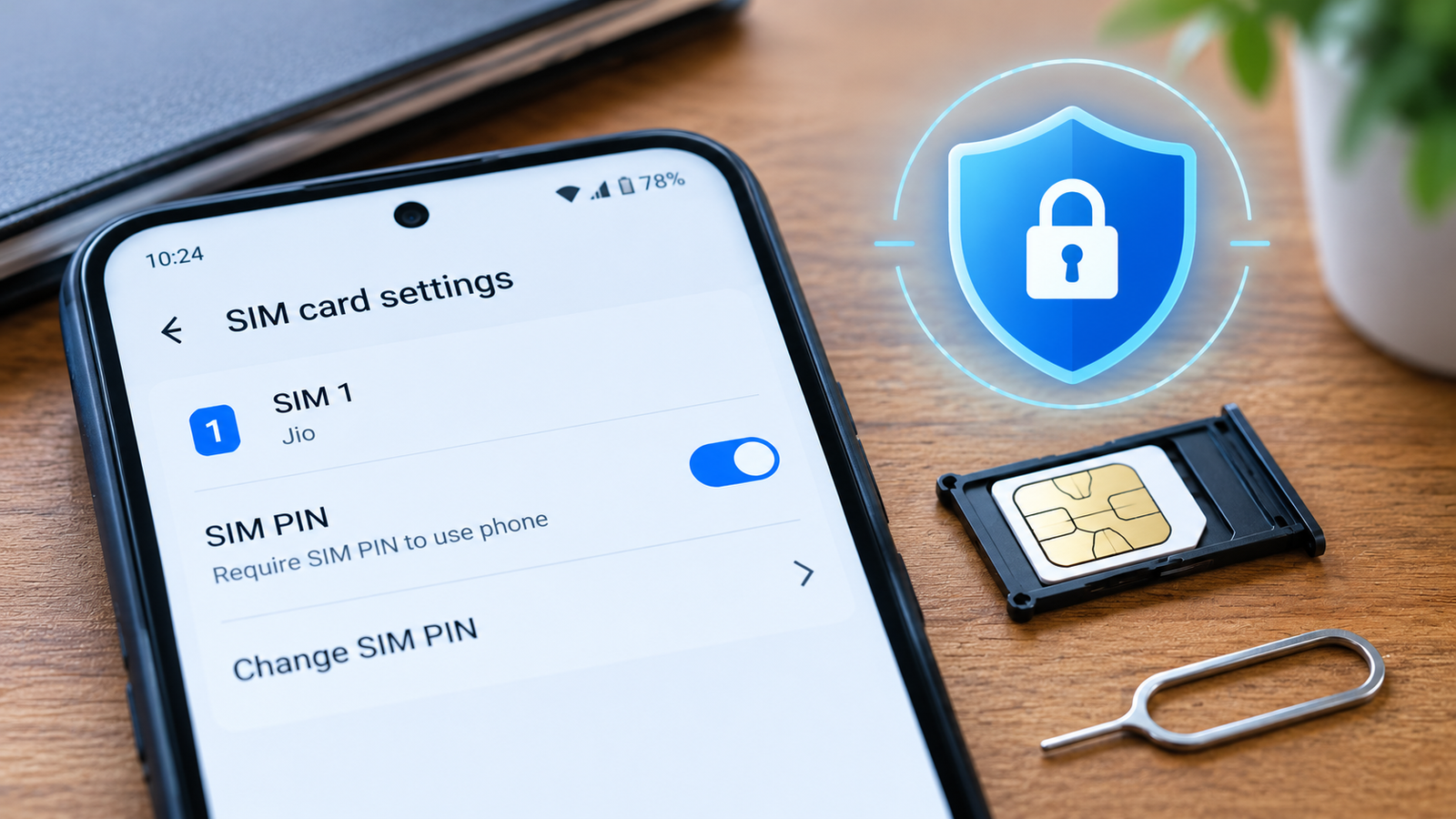

A SIM card lock is the one phone protection most people never switch on. I spent years as a CTO, and the habit that stayed with me is asking what an attacker does after the first lock fails. With a stolen phone, the answer is simple: they take out the SIM.
Your screen passcode protects what is stored on the phone. It does not stop someone from moving your SIM into another phone and receiving your calls and messages.
Contents
What a thief can do with your unlocked SIM
Once your SIM sits in a different phone, your number works for them. In India, that number is also the key to your bank, UPI and email accounts. I can setup Whatsapp in new phone with SMS OTP on new phone using stolen SIM.
- Receive OTPs: banks, payment apps and email providers send one-time passwords by SMS.
- Start password resets: with your messages in hand, a thief can trigger “Forgot password” on accounts linked to your number.
- Make and receive calls: they can impersonate you to family and colleagues.
A SIM PIN closes this gap. It asks for a separate code whenever the SIM is inserted into a phone or the phone restarts. Without the code, the SIM cannot connect to the network.
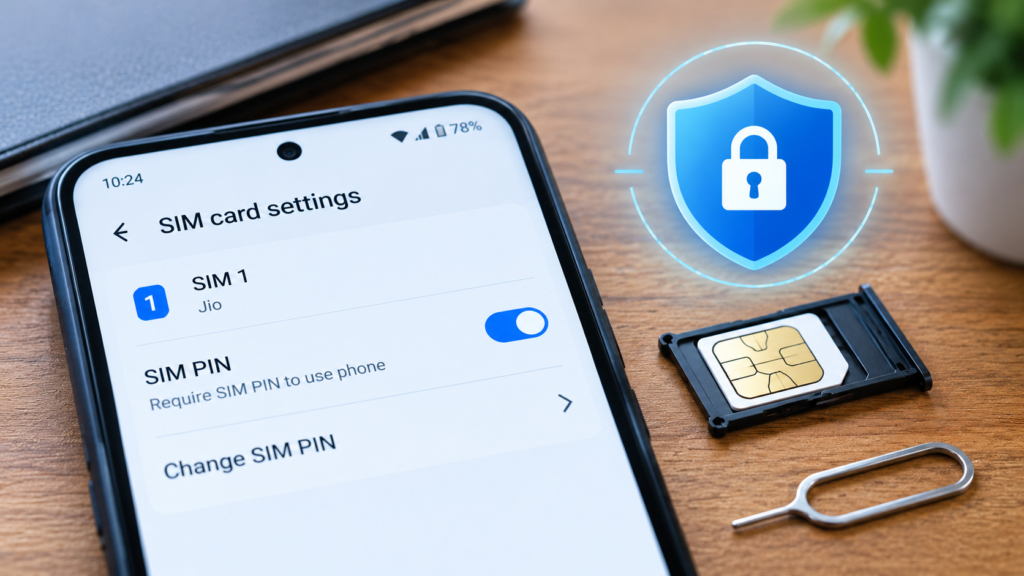
How to set a SIM PIN on iPhone and Android
Menu names vary by phone model and software version, so use the phone settings search for “SIM PIN” or “SIM lock” if you cannot find the option.
On iPhone
- Open Settings, then Cellular (or Mobile Data).
- Tap your SIM if you have two, then tap SIM PIN.
- Turn SIM PIN on and enter your carrier’s default PIN.
- Change it to your own 4 to 8 digit PIN straight away.
On Android
- Open Settings and go to Security (or Security and privacy).
- Look under More security settings, then SIM card lock. On Samsung phones it is usually under Other security settings.
- Turn on “Lock SIM card” and enter the default PIN.
- Choose Change SIM PIN and set your own.
Default SIM PINs for Indian carriers
Reports I found list these defaults. Carriers can change them, so confirm with yours before you start.
| Carrier | Commonly reported default PIN |
|---|---|
| Airtel | 1234 |
| Jio | 0000 or 1234 |
| Vi | 0000 |
| BSNL | 0000 |
Change the default immediately. A default PIN protects very little, because anyone can look it up.
The PUK trap: three wrong tries block your SIM
Three wrong PIN entries block the SIM until you enter the PUK (Personal Unblocking Key). Ten wrong PUK entries disable the SIM permanently, and you then need a replacement from your carrier.
- Note your PUK before you enable the lock, from your carrier app or the original SIM card holder.
- Choose a PIN you will remember, and do not guess if you are unsure.
- Expect to enter the PIN every time you restart the phone.
What a SIM PIN does not protect against
A SIM PIN stops a stolen SIM from working in another phone. It does not stop a SIM swap done through the carrier, where a fraudster gets a duplicate SIM issued in your name. Treat the SIM PIN as one layer.
Pair it with these habits:
- Use an authenticator app instead of SMS codes wherever the service allows it.
- Set alerts on your bank accounts and UPI apps.
- Never install an app from a link in a message. I explain how that goes wrong in my guide to the electricity bill APK scam.
- Know the steps to block your SIM and accounts quickly, which I cover in my checklist for a lost phone in India.
- If you travel, see how I protect my money abroad.
For daily scam awareness, I wrote book BE CYBER SMART in English and Hindi (details are available on becybersmart.in) and run cyber awareness quiz platform becybersmart.in, a free three-minute daily quiz on scams that target Indian families.
FAQ
What is a SIM card lock?
It is a PIN set on the SIM card itself. The network asks for it when the SIM is inserted into a phone or the phone restarts.
Is a SIM PIN the same as my phone lock?
No. The phone lock protects the device. The SIM PIN protects the SIM card, so it stays protected even if moved to another phone.
What happens if I forget my SIM PIN?
After three wrong tries the SIM blocks and asks for a PUK from your carrier. Ten wrong PUK entries permanently disable the SIM.
Does a SIM PIN stop SIM swap fraud?
Not fully. SIM swap fraud uses a duplicate SIM issued by the carrier. A SIM PIN protects against a physically stolen SIM.



Pingback: Electricity Bill APK Scam India: Spot, Remove, Report
Pingback: What to Do If You Lose Your Phone in India | The Honest Lens
Pingback: Old Coin Buyer Scam India: How Your KYC Gets Stolen