Why Tech-Savvy People Fall for Scams: Six Attacks Built for Smart Targets
Why tech-savvy people fall for scams is simple: the scam is built around what they already do all day. I was a CTO, and the attacks that bother me most are the ones aimed at CTOs and developers, because being careful doesn’t help against them.
Nobody sends a developer a lottery email. They send a coding test, or a login page that works perfectly.
I haven’t tested any of these myself. This is from reading vendor reports and police statements, and the links are at the end.
The 30 second version
- These attacks hide inside routine work: cloning a repo, logging in, running a build.
- Ordinary MFA can be relayed by a fake login page. Passkeys and hardware keys can’t be.
- In India, the one to watch is eSIM takeover. Your phone shows “No Service” and your OTPs are already gone.
- Run strangers’ code only in a throwaway environment, and take SMS out of recovery on accounts that matter.
Quick Navigation
- Why careful people still lose
- The six attacks
- What I could not verify
- What I would do first
- If it already happened
- FAQ
Why careful people still lose
Most scam advice is about spotting something odd. These attacks have nothing odd in them. The test is real, the login works, the build runs.
Confidence makes it worse. If you know what scams look like, you stop looking for the ones that don’t look like scams.
I think this is why “stay alert, don’t click suspicious links” fails here. You can be fully alert and still lose. The fix has to sit in how you set things up, not in how closely you watch.
The six attacks
1. The fake job interview
Someone from a crypto or AI company messages you on LinkedIn or WhatsApp. The role sounds right. After a call or two comes a take-home test: clone this repo, run it, fix a bug. The repo is the malware.
Security teams link this campaign to North Korea. It goes after developers because developers hold keys: cloud logins, wallet keys, access to production. And you’re doing a normal thing at a moment when you want the job.
What stops it: run any stranger’s code in a throwaway VM or a cloud dev environment, never on the laptop that holds your work keys. If the “recruiter” asks you to switch off your antivirus for the test, the conversation is over.
2. The login page that works
You click a link, see what looks like your Microsoft 365 or Google login, enter your password and approve the MFA prompt. You’re in, and nothing looks wrong.
The page was a middleman. It passed your login to the real site, passed the MFA prompt back to you, and kept the session cookie that came back. With that cookie, the attacker is logged in as you. No password needed.
What stops it: passkeys or hardware keys, because they only work on the real domain. They protect you only if SMS and email recovery are switched off, otherwise the attacker uses that route. And a passkey can’t help if malware is already sitting on your laptop.
3. The eSIM takeover
A caller says they’re from your telecom provider and offers an upgrade to eSIM. They walk you through a link or a code, and your number moves to a phone they control. Yours shows “No Service”. Your bank OTPs now go to them.
This is happening in India. In August 2026, Delhi Police arrested two people from a module linked to 124 complaints. One Delhi resident lost about ₹40 lakh. I think the weak link is the one most of us still leave in place: bank and email logins that depend on an SMS.
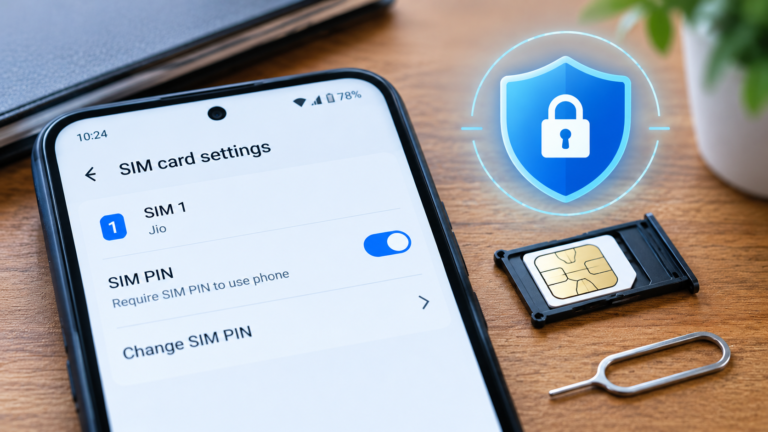
What stops it: never accept a SIM or eSIM request you didn’t start yourself. Move email and banking to an authenticator app or a passkey. If your phone drops to “No Service” for no reason, call your bank and 1930 first, then your operator. A SIM PIN won’t stop this, as I wrote in the SIM card lock post.
4. The helpful IDE extension
A dark theme, a JSON formatter, a Solidity helper. Extensions like these look harmless, and once installed they can read your whole workspace: .env files, API keys, SSH keys. GitHub said in May 2026 that a malicious VS Code extension on an employee’s machine led to its internal repositories being accessed.
What stops it: install few extensions, from verified publishers. Keep production secrets out of local .env files and use a secrets manager.
5. The dependency that was never yours
Your company has an internal package called, say, payments-core. An attacker finds the name in a job post or a public package.json, publishes a package with the same name on the public registry, and gives it a huge version number. Your build picks the higher version and runs the attacker’s install script.
You did not make the mistake. The build did.
What stops it: scope private packages to your own registry in .npmrc, commit lockfiles, register your internal names on the public registry, and turn off install scripts in CI where you can. If a build pulled a bad package, rotate every token on that runner.
6. The right URL, the wrong server
This one attacks the route, not the person. If someone hijacks your DNS or your registrar account, a user typing the correct address lands on their copy. It has been used to drain crypto wallets. The usual giveaway is a certificate warning, so treat one on a banking or admin site as a hard stop.
What stops it: for your own domains, a registrar lock, a hardware key on the registrar account, DNSSEC and a second DNS provider.
What I could not verify
- Carrier insiders. I’ve seen the claim that attackers bribe telecom franchise staff or abuse bulk portals to swap executives’ numbers. I found no confirmed Indian case. The documented cases are social-engineered eSIM conversions.
- Zero-days in fake interviews. The reports I read describe ordinary scripts, npm packages and VS Code project files. I found no confirmed zero-day.
What I would do first
If I had one hour, this is the order:
- Take SMS OTP off email, bank and cloud logins. Use passkeys or an authenticator app.
- Buy two hardware keys and keep one somewhere safe.
- Stop running other people’s code on my work machine.
- Ask the team one question: if a developer laptop is compromised, who rotates what, and in which order? The DPDP Act post explains why that answer now has legal weight.
Share this with your team if it helps:
Team alert: if a recruiter, client or vendor sends you a coding test, repo or tool to run, don’t run it on your work laptop. Use a throwaway VM and tell security first. If your phone suddenly shows “No Service”, call your bank and 1930 before anything else. Don’t accept any SIM or eSIM request you didn’t start yourself.
If it already happened
It’s not a character flaw. These attacks are built so that careful behaviour doesn’t help. Speed does.
- Disconnect the device from the network.
- Rotate everything that machine could reach, starting with cloud and CI tokens, then SSH and API keys, then passwords.
- Revoke active sessions on email and cloud. A password change doesn’t always end a session that’s already open.
- If money moved, call your bank and 1930, and file a complaint at cybercrime.gov.in.
- Tell your team the same day.
FAQ
Why do tech-savvy people fall for scams?
The scam hides inside a routine they already trust, like a coding test, a package install or a login page. Knowing what scams look like makes them more sure they’d notice.
Can MFA be bypassed?
Some kinds can. A fake page can relay your login and steal the session after you pass MFA. Passkeys and hardware keys resist this because they’re tied to the real domain.
Is eSIM less safe than a physical SIM?
Not by itself. The scam works by persuading you to move your number to a device the fraudster controls. The risk is the request you didn’t start.
How do I check whether a recruiter is real?
Find the company’s careers page yourself, confirm the role there, and reply through that channel. Never run a stranger’s code on the laptop that holds your work credentials.
My takeaway
I’d remove SMS OTP from every account that matters before I bought another security tool. Neither that rule nor the others needs you to spot anything, which is the point.
Want a daily three minute habit? BeCyberSmart.in runs a free scam-awareness quiz in English, Hindi, Marathi and Tamil.
Last reviewed: October 2026. Helplines, bank rules and vendor guidance change, so check the current version before you act.
Related reading
- Why a SIM Card Lock Is Your Phone’s Most Overlooked Security Shield
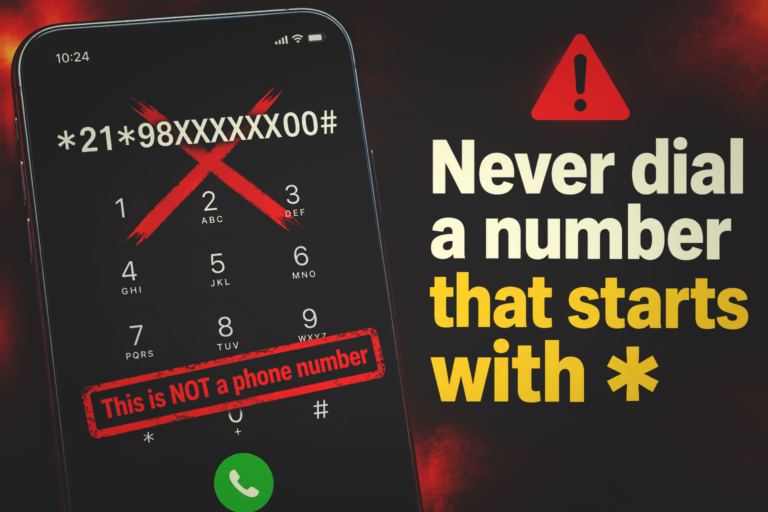
- Call Forwarding Scam in India: Never Dial a Code That Starts With *
- Navigating the DPDP Act: A CEO’s Guide to Personal Data Protection in India
Sources
- Microsoft Security: Contagious Interview campaign
- IT Pro: Microsoft on the phishing campaign that circumvents MFA
- WorkOS: Passkeys stop phishing, your MFA fallbacks undo it
- Daily Pioneer / PTI: e-SIM fraud module busted
- Thai CERT summary of BleepingComputer: GitHub breach via malicious VS Code extension
- Microsoft: malicious npm packages abuse dependency confusion
- BleepingComputer: MyEtherWallet DNS hijack